Master Premiere Pro techniques in 15 minutes
Focused micro-courses by working editors. No fluff, no filler — just the exact technique you need, taught by someone who uses it every day.
Course Catalog
Pick a technique, press play, and level up in 15 minutes.
Lightning-Fast Multi-Cam Editing
Master the multi-camera workflow in Premiere Pro — sync, switch, and refine angles in record time.
Keyboard Shortcuts That Save Hours
The 20 Premiere Pro keyboard shortcuts working editors actually use — and how to build muscle memory fast.
Color Grading with Lumetri Scopes
Read scopes like a pro and nail consistent color grades across your entire timeline.
Seamless Audio Ducking & Mixing
Automate dialogue-music balance with Premiere's built-in Essential Sound panel — no After Effects needed.
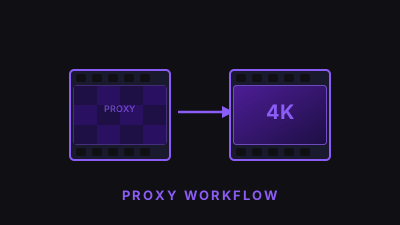
Proxy Workflows for 4K & Beyond
Edit 4K, 6K, and 8K footage on any machine using Premiere's proxy system — smooth playback guaranteed.
Text & Motion Graphics Templates
Build reusable lower thirds, titles, and call-outs using Premiere's Essential Graphics panel.