Back to courses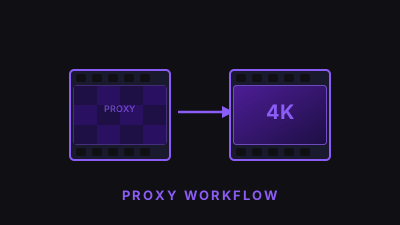
Workflow
Proxy Workflows for 4K & Beyond
High-resolution footage shouldn't mean sluggish timelines. Learn how to create and attach proxy files in Premiere Pro so you can edit buttery-smooth on a laptop and relink to full-res for export. Covers ingest presets, Media Encoder integration, and the Toggle Proxies workflow that lets you switch between proxy and full-res with a single click.
What you'll learn
- Create low-res proxies with Adobe Media Encoder
- Attach proxies to existing high-res media
- Toggle between proxy and full-res in one click
- Set up ingest presets for automatic proxy creation
About the Instructor
Tom Nakamura
Travel filmmaker and educator whose 4K workflow tutorials have been viewed over 5 million times on YouTube.
$9
One-time purchase
Duration15 min
FormatOn-demand video
Skill levelAll levels
InstructorTom Nakamura
Instant access after purchase